
Category
ERP Implementation
Choosing, scoping and rolling out an ERP without stopping production.
Rolling out a new ERP in a factory isn’t just about picking software—it’s about changing how people work without shutting the line down. You’ve got to map every approval, every purchase order, every quality check into the system so workers keep moving instead of stopping to figure out the new screens. Most plants hit the wall when the plan assumes people will change overnight or when the rollout drags on for months because the team didn’t sequence the modules right. These two articles show you how to set up approvals that managers will actually use and how to stage the rollout in chunks so production never skips a beat. One walks through building workflows that respect the chain of command but don’t bury teams in clicks. The other lays out a step-by-step plan to turn on purchasing first, then stores, then production, without ever halting the line.
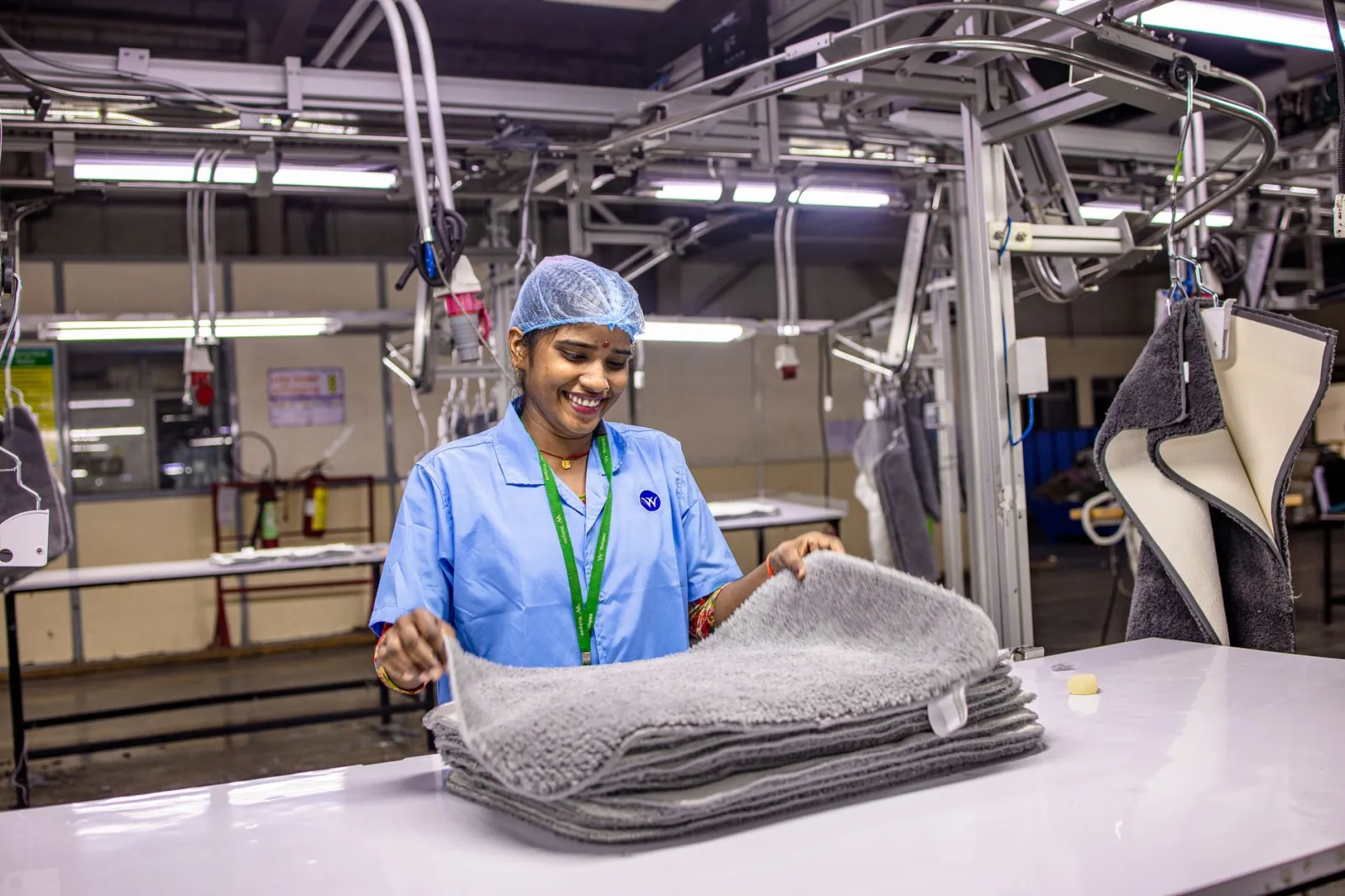
Spreadsheets vs ERP in manufacturing: when Excel is no longer enough
A plain guide to the signs that a manufacturing plant has outgrown spreadsheets, and the cases where Excel is still the...
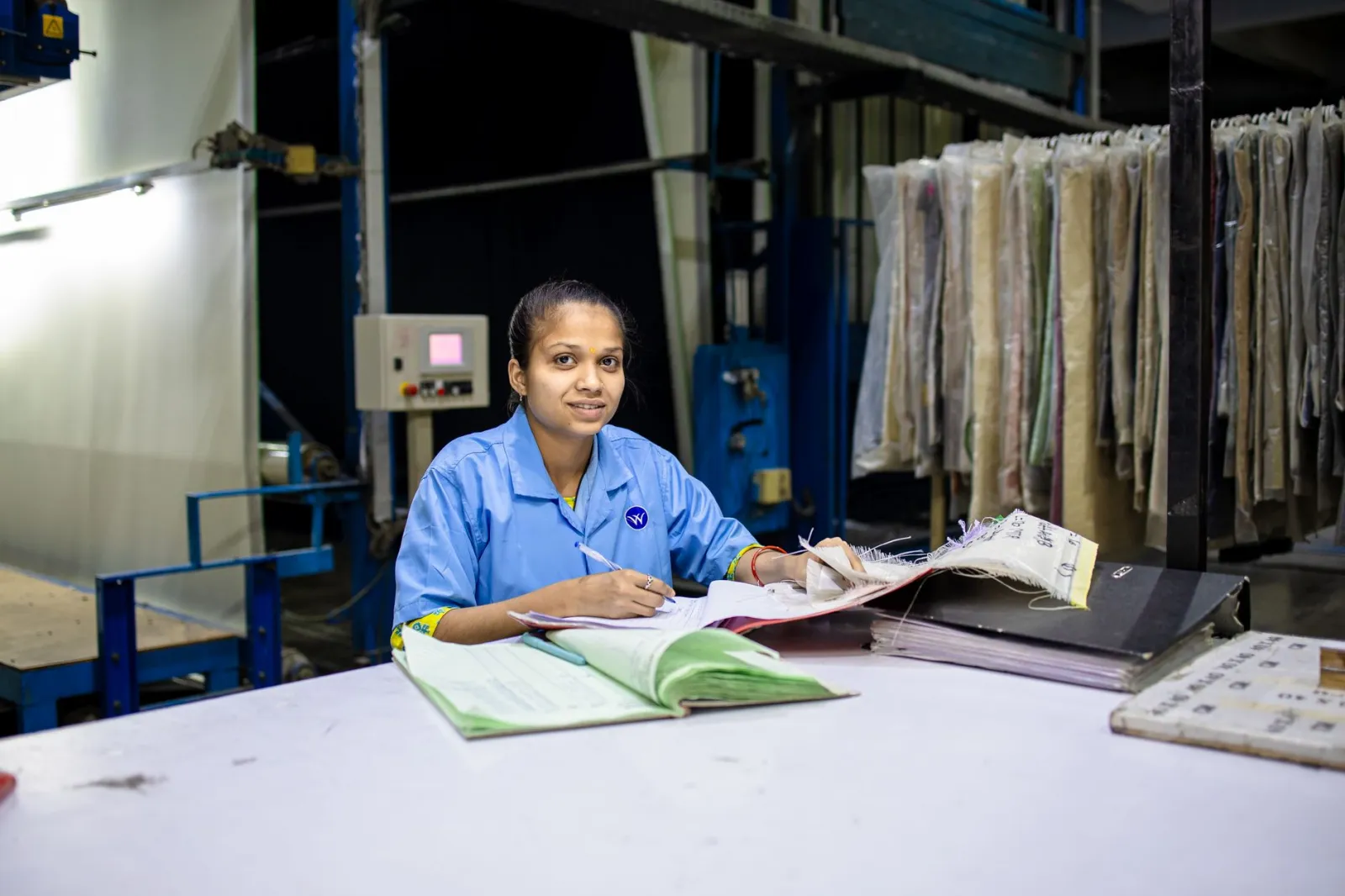
How to set up approval workflows in ERP that seniors will actually follow
Approval workflows in ERP fail when they either slow the plant or let unauthorised spend slip through—design slabs and l...
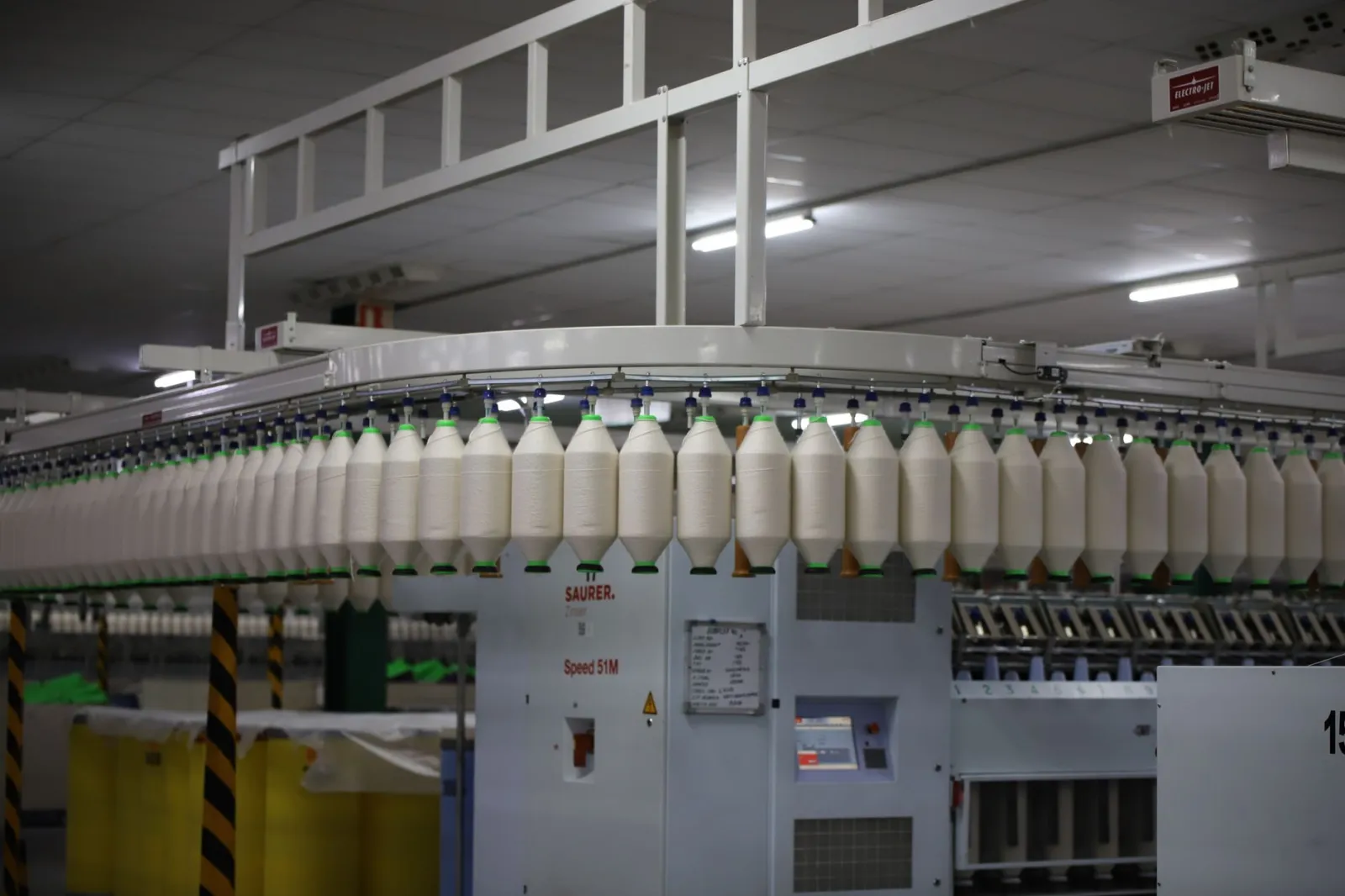
Staged ERP implementation plan without stopping production
A practical, department-by-department ERP implementation plan that lets a plant keep producing while new software is bro...
Newsletter
One article a week, no sales mail
Practical notes on costing, stock accuracy, planning and quality — written for people who run plants.
Questions about erp implementation
What people ask before they start
How do I make approval workflows in ERP that my senior staff will actually follow?
Start by mapping the real approvals that happen on paper today—who signs what, in what order, and how long it usually takes. Then build those exact steps into the ERP so the system pushes the request to the same person at the same point in the process. Keep the number of clicks low and make sure the approval shows up where they already work, like their email or phone notification, so they don’t have to log in to a separate portal.
What’s a staged ERP implementation plan that won’t stop production?
Pick one module that has the least impact on daily work—like purchasing or stores—and turn it on first for a small group. Once that group is comfortable, expand to the next module while the first one runs in parallel. Schedule the rollout during planned downtime or shift changes so the line keeps running. The key is to avoid flipping everything at once; instead, move one piece at a time and let the team adjust before adding the next.
How long does a staged ERP rollout usually take in a factory?
It depends on the size of the plant and how many modules you’re turning on, but most factories plan one module every 4 to 8 weeks. The first module might take longer to set up because you’re building the foundation, but each subsequent module goes faster as the team gets used to the system. The goal is to keep the total rollout under 6 months so the changes don’t feel endless to the staff.
What’s the biggest mistake factories make when setting up ERP approvals?
Making the approvals too complex or adding extra steps that weren’t there before. If the ERP requires more clicks or layers than the paper process, people will bypass it and go back to their old habits. Keep the workflows lean and match the real authority structure in the plant so the approvals feel natural, not forced.
Can I run the ERP in parallel with the old system during rollout?
Yes, running both systems side-by-side is the safest way to avoid downtime. Start with a small group or a single shift using the new ERP while the rest of the plant keeps using the old system. Once the new system proves reliable for that group, expand to the next shift or department. This way, if something breaks, you can fall back to the old process without stopping production.
How do I train staff without slowing down production?
Train in short sessions during shift changes or downtime, and focus on the tasks each role actually performs. Use real examples from the plant instead of generic software demos. Pair experienced workers with new users so the training happens on the floor, not in a classroom. Keep the sessions under 30 minutes and repeat them as each module goes live.