How to Allocate Utility Costs by Production Line in ERP—Without Overhead Guesses
Utility costs distort margins if split by guesswork. This guide shows how to assign electricity, water and gas to each production line in ERP—without overhead distortions.

What this covers
- Utility costs must be split by actual usage, not by headcount or floor space.
- Facteno’s ERP ties utility meters to machines and batches, so costs follow the work.
- Reconcile utility bills monthly to catch discrepancies before they hit the P&L.
- Hidden costs—like standby charges or peak demand fees—must be allocated separately.
- Start with one line, then expand to the whole plant once the method is proven.
Utility bills arrive as a single lump sum, but the cost of electricity, water and gas does not land evenly across your plant. One line runs 24 hours a day; another sits idle while waiting for fabric. A dyehouse uses more water than a stitching floor. If you split the total bill by guesswork—by floor space, by headcount, or by some arbitrary percentage—you distort margins, misprice jobs, and lose control over where money is actually going.
The solution is not to estimate. It is to tie utility meters to machines, batches and shift patterns, then let the ERP system assign costs as the work happens. This is how you stop overpaying for idle time and undercharging for high-volume runs.
Why Utility Costs Are Never a Fixed Overhead
Most plants treat utility costs as a fixed overhead, spread thinly across all production. This is wrong for three reasons:
- Electricity use varies by machine type—looms draw more power than cutters, and a 100-needle embroidery head uses twice as much as a 50-needle.
- Water and gas consumption depends on process—dyeing a batch of fabric uses far more water than pressing it, and a boiler firing for steam has a different cost profile than one running at low load.
- Shift patterns matter—night shifts often run at lower efficiency, but the utility cost per piece does not drop proportionally because machines still draw power when idle.
If you allocate utilities by floor space, you reward the lines that happen to sit in larger sheds. If you split by headcount, you penalise automated cells. The only fair way is to measure what each line actually uses.
Facteno’s ERP does this by linking utility meters to production orders. When a batch runs on Machine A for three hours, the system records the meter reading at the start and end, calculates the kWh used, and posts that cost directly to the batch. No spreadsheets. No monthly reconciliations by hand.
How to Link Meters to Machines in the ERP
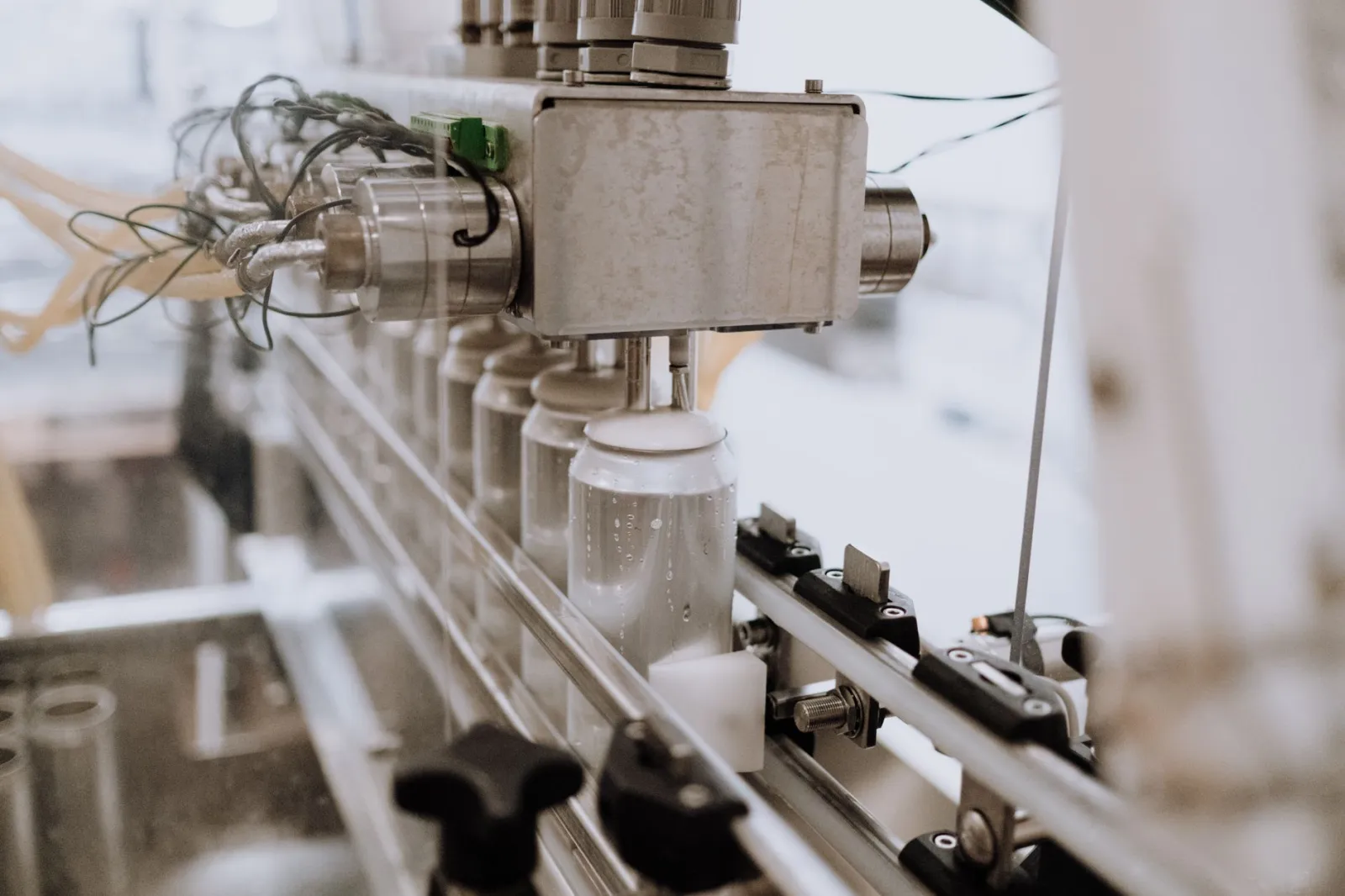
The first step is to install sub-meters on every machine or group of machines that uses significant power, water or gas. This is not optional—you cannot allocate costs accurately without it. A single main meter tells you how much you consumed in total; sub-meters tell you how much each line consumed.
For example:
- Install a power sub-meter on each loom in your weaving shed, not just one for the whole shed.
- Add a water flow meter to each dyeing machine, not just at the inlet to the dyehouse.
- Place a gas flow sensor on each boiler, so you can see which one is running and for how long.
These meters must feed data into the ERP in real time or at least daily. Facteno supports direct integration with most industrial meter brands, so the readings post automatically when a batch starts or stops. If your meters do not integrate, log the readings manually on the batch card and enter them into the system at the end of each shift.
**Illustration:** Say your dyehouse has two machines, Dye-01 and Dye-02. Dye-01 runs for 4 hours at 50 kWh per hour during a batch, while Dye-02 runs for 2 hours at 30 kWh per hour. The ERP records:
- Batch #DYE-4567: 200 kWh (Dye-01) + 60 kWh (Dye-02) = 260 kWh total.
- Water used: 12,000 litres on Dye-01, 4,000 litres on Dye-02.
- Gas used: 80 m³ on Dye-01’s boiler, 20 m³ on Dye-02’s.
These figures go straight to the batch costing screen, not to a separate spreadsheet.
What Happens When a Meter Fails or a Bill Is Wrong
Meters fail. Bills have errors. A sub-meter might read zero when the machine is running, or spike when it is idle. If you rely on automated allocation, you will eventually get a cost figure that does not match reality—and by then, it may be too late to fix the P&L.
The solution is a monthly reconciliation process. At the end of each month:
- Compare the total utility consumption from all sub-meters against the main meter reading.
- Check for discrepancies—missing readings, meters stuck at zero, or unexpected spikes.
- Adjust the ERP records if a meter was faulty, but do not simply “fudge” the numbers to match the bill. Instead, investigate why the meter failed and whether the machine was genuinely idle.
Facteno’s Finance module includes a utility reconciliation screen that flags mismatches between sub-meter totals and the main bill. It also tracks “unallocated” utility costs—times when a machine ran but no batch was logged, or when a batch was logged but no meter data was recorded.
**Trade-off:** Automated allocation saves time, but it requires discipline to check the data. If you skip the reconciliation, you risk carrying forward errors that compound over months.
How to Handle Standby Charges and Peak Demand Fees
Utility bills often include hidden costs that do not appear in the per-kWh rate. Standby charges apply even when your plant is idle. Peak demand fees hit if you draw too much power at once. These costs do not follow machine usage—they are fixed penalties that still appear on the bill.
You have three choices:
- Allocate them entirely to overhead. This is simple but unfair—some lines will carry more of the burden than others.
- Split them by production volume. For example, if Line A produced 60% of last month’s output, it pays 60% of the standby charge.
- Allocate them to the lines that caused the peak. If a large batch on Dye-01 triggered the demand fee, charge it to that batch.
Facteno lets you define rules for these costs in the Costing module. For instance, you might set:
- 50% of standby charges to overhead, 50% split by machine runtime.
- 100% of peak demand fees to the batch that was running when the meter peaked.
**Example:** Suppose your peak demand fee is £400 for exceeding 500 kW. If the ERP logs that Dye-01 was running at 450 kW while Stitching Line B was at 100 kW when the peak occurred, you allocate the entire £400 to the dyeing batch—not the stitching line—because that is when the demand was highest.
When to Use Actual Usage vs. Standard Rates
Most plants use a standard rate per kWh, litre or m³ when costing jobs. This works for rough estimates but distorts margins if actual usage varies. For example:
| Cost Driver | When It Lands | What Makes It Move |
|---|---|---|
| Electricity (kWh) | Per shift, per batch | Machine type, runtime, load (e.g., a loom uses more power at full speed than at half) |
| Water (litres) | Per process step (e.g., dyeing vs. rinsing) | Recipe, batch size, water pressure (a clogged filter increases usage) |
| Gas (m³) | Per boiler cycle | Steam demand, boiler efficiency, ambient temperature (colder days need more gas) |
| Standby charges | Monthly, as a penalty | Contract terms, whether any machine was running during peak hours |
| Peak demand fees | Monthly, per kW exceeded | Sudden spikes (e.g., starting a large motor) |
Facteno lets you switch between actual and standard rates by production line. For example:
- Use actual meter data for dyeing, where water and electricity use varies wildly by recipe.
- Use standard rates for stitching, where consumption is more predictable.
- Revert to actual data if a line’s usage pattern changes (e.g., you switch to a heavier fabric).
**Warning:** If you mix actual and standard rates, ensure the ERP flags batches that exceed their budgeted utility allowance. Otherwise, you will not spot when a line is running inefficiently.
How to Allocate Costs When a Machine Is Idle
Machines sit idle for maintenance, waiting for fabric, or during shift changes. If you allocate utility costs only when a batch is running, you leave a gap—power is still being drawn, but no batch is logged to carry it. This creates “unallocated” utility costs that distort your overhead.
You have two options:
- Log idle time as a separate batch. For example, create a “Maintenance” batch for every hour a machine is down. This ensures the utility cost is assigned somewhere.
- Allocate idle costs to overhead. This is simpler but hides inefficiencies. If a loom sits idle for two hours a day, you will not know whether it is due to poor scheduling or a recurring breakdown.
Facteno supports both methods. The Production module lets you log “idle” time as a non-inventory batch, so the utility cost is still tracked. Alternatively, you can route all unallocated utility costs to a cost centre for overhead.
**Illustration:** Say Loom #3 runs for 6 hours on Batch #WV-1234 and then sits idle for 2 hours while waiting for yarn. If you log the idle time as a “Waiting for Material” batch, the ERP will assign the 2 hours of electricity to that batch. If you skip this step, the cost disappears into overhead.
What to Do Next Week: Three Practical Steps
You do not need to overhaul everything at once. Start with one production line and one utility—electricity for weaving, water for dyeing, or gas for finishing—and expand as you prove the method works.
- Install a sub-meter on your busiest machine. Choose the one with the highest utility cost or the most variable usage. Log its readings manually if it does not integrate with the ERP.
- Run one batch with actual utility allocation. Compare the cost per piece using actual meter data against what you would have charged with a standard rate. Note the difference.
- Reconcile the first bill. Check that the sub-meter total matches the main meter reading. If not, investigate why and adjust your process.
Once you have one line working, move to the next. By the end of the month, you will have a clear picture of where utility costs are really going—and where you can cut them.
Related reading: How to Allocate Utility Costs by Production Line in ERP—Without Overhead Guesses.
Frequently asked
What if my utility provider does not offer sub-meters?
How do I handle utilities for shared resources, like a central boiler?
What if a batch spans multiple shifts or days?
Can I still use standard rates if actual allocation is too complex?
How do I explain utility cost changes to buyers when prices fluctuate?
Everything above is how Facteno actually behaves
Ask for demo access and we will walk you through a full plant with four months of documents, so you can check the numbers yourself.