How to Allocate Fabric Handling Costs by Worker and Machine in ERP
Misallocating fabric handling costs by worker and machine distorts margins and pricing. Here’s how ERP can track true costs per shift and per machine.
What this covers
- Fabric handling costs must be split by worker and machine to avoid hidden losses in margins.
- Machine utilisation data and worker timesheets must feed into the same cost ledger.
- Reconciliation between payroll, production logs and machine records is the only way to spot errors.
- Overhead allocation by guesswork hides inefficiencies—ERP makes it visible.
- Start with one department, then expand to the whole plant to avoid disruption.
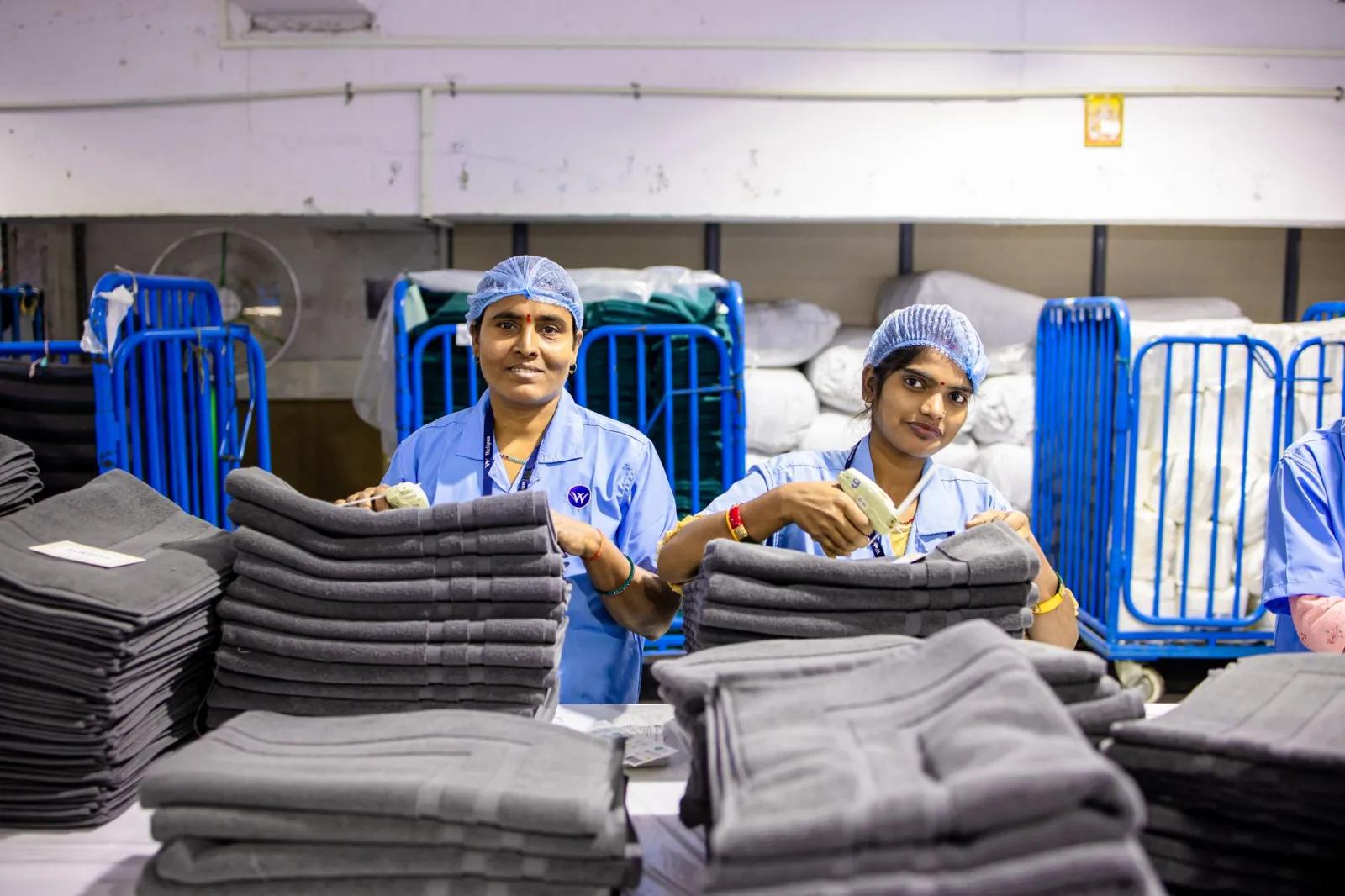
Fabric handling costs—loading, unloading, folding, stacking—are often buried in overheads or split by headcount alone. When you price jobs, you end up charging the same for a quick unload and a three-hour re-roll. Three months in, the numbers no longer match the bank statement, and you don’t know if the problem is the accountant, the foreman, or the machine logs.
Profit visibility starts when every handling minute is tied to a worker, a machine, and a specific batch. This article shows how to do it without rewriting payroll or scrapping production logs.
Why splitting costs by worker alone still hides losses
Most plants allocate handling costs by dividing total wages by total output. If a worker earns £12 an hour and handles 500 kilos in a shift, the cost per kilo is £0.024. The problem is that this ignores:
- The machine was idle for 40 minutes while the worker waited for the previous batch to clear.
- Half the handling time was spent on a rejected roll that got sent back to dyeing.
- The forklift operator’s time is included in the worker’s wage, even though the forklift runs on diesel and maintenance.
When you price a job at £0.024 per kilo, you assume every kilo takes the same time. It doesn’t. A 200-kilo roll of heavy denim takes twice as long to fold as a 100-kilo roll of lightweight cotton. If your ERP doesn’t track handling time per batch, you’re either overcharging light fabrics or losing money on heavy ones.
Facteno links worker timesheets to batch cards and machine logs. A worker’s clock-in clock-out is split by task, and each task is tied to a specific batch. If the machine was down for 20 minutes during that task, the cost is adjusted. No more guessing.
How machine utilisation data changes handling cost allocation
Machine utilisation is usually tracked for capacity planning, not costing. A loom runs at 85% utilisation, so you assume it’s earning its keep. But if the loom is down for maintenance while a worker is paid to stand by, that downtime cost isn’t allocated to any job. Three months in, you have no idea how much of your handling labour was wasted.
To allocate handling costs by machine, you need three things:
- Machine logs that record start/stop times, including unplanned stops (e.g., thread breaks, jams, maintenance).
- Worker timesheets that split time by task (e.g., loading, unloading, folding) and tie each task to a batch.
- A reconciliation process that matches worker tasks to machine events. If a worker logs “unloading Batch #456” from 10:15 to 10:45, but the machine log shows it was down from 10:20 to 10:30, the extra 10 minutes must be allocated separately.
Facteno’s production module ties machine events to batch cards. If a batch sits on a conveyor for 30 minutes because the next machine is down, that time is flagged as “non-productive handling” and excluded from job costing. You can then charge the causing department—or write it off as inefficiency.
What happens when payroll and production logs don’t match
Discrepancies between payroll and production logs are inevitable. A worker might clock out for a break but keep handling fabric, or a foreman might sign off a batch card prematurely. If your ERP doesn’t flag these, cost allocation is wrong from the start.
- Cross-check batch cards against timesheets. If a batch card says “completed at 16:30” but the worker’s timesheet shows they left at 16:15, either the card is late or the worker was paid for time not spent on the job.
- Audit machine logs for unplanned stops. If a machine was down for an hour but no worker logged “waiting time,” that hour is unaccounted for in job costing.
- Reconcile daily. Run a report listing every batch, worker, machine, and time spent. Flag inconsistencies.
Facteno’s activity tracking logs screen access times. If a foreman edits a batch card after the shift ends, the system flags it for review—ensuring accurate handling time allocation.
Illustration: Reconciling a 4-hour shift with two batches
Ahmed handles two batches in a 4-hour shift:
| Time | Task | Batch | Machine | Notes |
|---|---|---|---|---|
| 08:00–09:00 | Loading | #456 (200kg) | Loom #3 | Machine ran at 90% utilisation |
| 09:00–09:30 | Waiting | #456 | Loom #3 | Machine down for thread break |
| 09:30–10:30 | Unloading | #456 | Loom #3 | Worker assisted with defective roll |
| 10:30–12:00 | Loading | #457 (100kg) | Loom #5 | Machine ran at 70% utilisation |
| 12:00–12:15 | Break | — | — | Logged in timesheet |
Allocating Ahmed’s £48 wage equally gives £24 per batch, but:
- Batch #456 took 2.5 hours of handling time (true cost: £30).
- Batch #457 took 1.5 hours (cost: £18).
- 30 minutes of downtime on Loom #3 should be charged to maintenance.
Facteno’s costing module splits wages by actual task time, adjusting for machine inefficiencies.
How to allocate costs when workers handle multiple machines
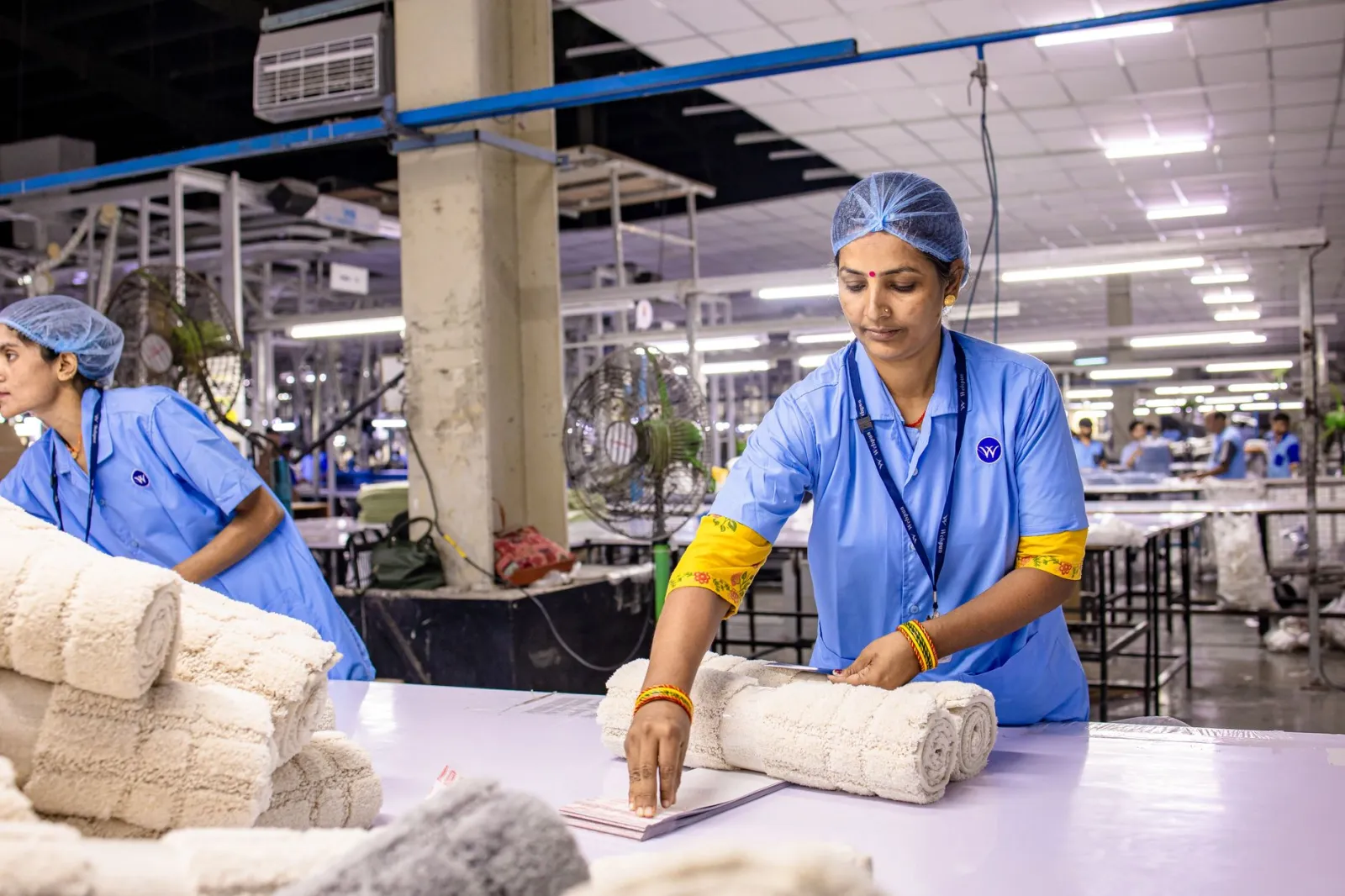
In many plants, a single worker moves fabric between machines. If that worker spends 60% of their time on Loom #3 and 40% on Loom #5, you can’t just split their wage 60/40. The machines have different speeds, different downtime rates, and different handling requirements.
Here’s how to do it:
- Track machine-specific handling times. If Loom #3 takes 10 minutes to load a roll but Loom #5 takes 15, record both times.
- Allocate wages by time spent per machine. If Ahmed spends 2.4 hours on Loom #3 and 1.6 hours on Loom #5 in an 8-hour shift, his £96 wage is split 60/40.
- Add machine-specific overheads. Loom #3 might have higher maintenance costs than Loom #5. Allocate these separately.
Facteno’s production module lets you define handling times per machine. If a worker logs “loading” on Loom #3, the system pulls the predefined 10-minute load time and ties it to that machine’s cost centre. No more averaging.
Illustration: Splitting a worker’s time across two machines
Say Ahmed’s shift looks like this:
| Machine | Handling Time | Machine Cost per Hour | Worker Wage Allocation |
|---|---|---|---|
| Loom #3 | 2.4 hours | £15 (maintenance + utilities) | £57.60 (60% of £96) |
| Loom #5 | 1.6 hours | £10 (maintenance + utilities) | £38.40 (40% of £96) |
Now, if a batch runs on Loom #3, its handling cost includes £57.60 of Ahmed’s wage plus £36 of machine overhead (2.4 hours × £15). A batch on Loom #5 includes £38.40 of Ahmed’s wage plus £16 of machine overhead (1.6 hours × £10).
What to do when workers handle fabric but don’t run machines
Not all handling is machine-linked. Workers who fold, stack, or move fabric between stores don’t operate looms or dyeing machines. Their costs must be allocated differently.
Here’s how:
- Tie handling tasks to batches. If a worker folds 500 kilos of fabric for Batch #789, log the time spent and the batch number.
- Allocate by activity, not by machine. Use a cost centre for “fabric preparation” and another for “fabric storage.”
- Reconcile with inventory moves. If the stores ledger shows 500 kilos moved to storage at 15:00, the worker’s timesheet should show “stacking” at the same time.
Facteno’s inventory module tracks every move in and out of stores. If a worker logs “stacking Batch #789” at 15:00, the system checks the stores ledger to confirm the move. If the times don’t match, it flags the discrepancy.
Illustration: Allocating storage handling costs
Say your worker, Fatima, spends 2 hours stacking fabric for three batches:
| Batch | Kilos | Time Spent | Cost Allocation |
|---|---|---|---|
| #789 | 300kg | 45 minutes | £6 (15% of £40 wage) |
| #790 | 200kg | 30 minutes | £4 (10% of £40 wage) |
| #791 | 100kg | 45 minutes | £6 (15% of £40 wage) |
Notice that Batch #791 took the same time as #789 but had half the kilos. If you split Fatima’s wage by kilos, #791 would get £2, but the time spent was the same. Allocating by time (not kilos) gives a fairer cost per batch.
How to adjust for rejected fabric and rework
Rejected fabric and rework distort handling costs because the time spent isn’t tied to a saleable batch. If a roll is sent back to dyeing, the handling time is wasted—but it’s still on the worker’s timesheet and the machine log.
Here’s how to handle it:
- Log rework as a separate task. If Batch #456 is rejected and re-dyed, the handling time for the second pass is recorded under “rework,” not the original batch.
- Allocate rework costs to the causing department. If poor dyeing caused the rejection, charge the dyehouse. If it was a stitching error, charge the cutting room.
- Exclude rework time from job costing. The original batch’s cost should only include the time spent before rejection.
Facteno’s quality control module flags rejected batches and ties them to inspection reports. If a batch fails QC, the system prompts you to log the rework time separately. This ensures rework costs aren’t buried in overheads.
Illustration: Costing a rejected batch with rework
Say Batch #456 is rejected after handling and sent back to dyeing:
| Task | Time | Batch | Cost Centre |
|---|---|---|---|
| Initial handling | 2 hours | #456 (original) | Fabric preparation |
| Re-dyeing | 3 hours | #456 (rework) | Dyehouse |
| Re-handling | 1.5 hours | #456 (rework) | Fabric preparation |
The original batch cost includes only the initial 2 hours of handling. The rework costs (3 hours dyeing + 1.5 hours handling) are charged to the dyehouse. This ensures you’re not overcharging the customer for someone else’s mistake.
What to do next week: Start with one department
You don’t need to overhaul the whole plant at once. Pick one department—say, dyeing—and allocate handling costs by worker and machine for one week. Here’s how:
- Define cost centres. Create one for “dyeing handling” and another for “dyeing machine overhead.”
- Log handling times per batch. Have workers clock in/out for each task (loading, unloading, folding) and tie it to a batch card.
- Reconcile machine logs with timesheets. At the end of the shift, check that every logged task matches a machine event.
- Run a cost report. Use Facteno’s reports module to see handling costs per batch, per worker, and per machine.
- Adjust pricing for the next job. If Batch #456 took twice as long to handle as Batch #457, price the next heavy roll accordingly.
Once you’ve got the process working in dyeing, move to the next department. By month three, you’ll have a full picture of handling costs—and no more surprises when the numbers don’t match the bank statement.
Related reading: How to Allocate Fabric Handling Costs by Machine Type in ERP.
Frequently asked
What if our workers don’t have digital timesheets?
How do we handle part-time or casual workers?
What if a machine breaks down and the worker isn’t paid for downtime?
Can we allocate handling costs retroactively if we’re already using ERP?
What’s the minimum data we need to start?
Everything above is how Facteno actually behaves
Ask for demo access and we will walk you through a full plant with four months of documents, so you can check the numbers yourself.