Optimize Fabric Batch Sizing with ERP to Cut Waste and Costs
Fabric waste and overproduction drain margins. ERP batch sizing optimization cuts both by matching production to real demand, not forecasts.
What this covers
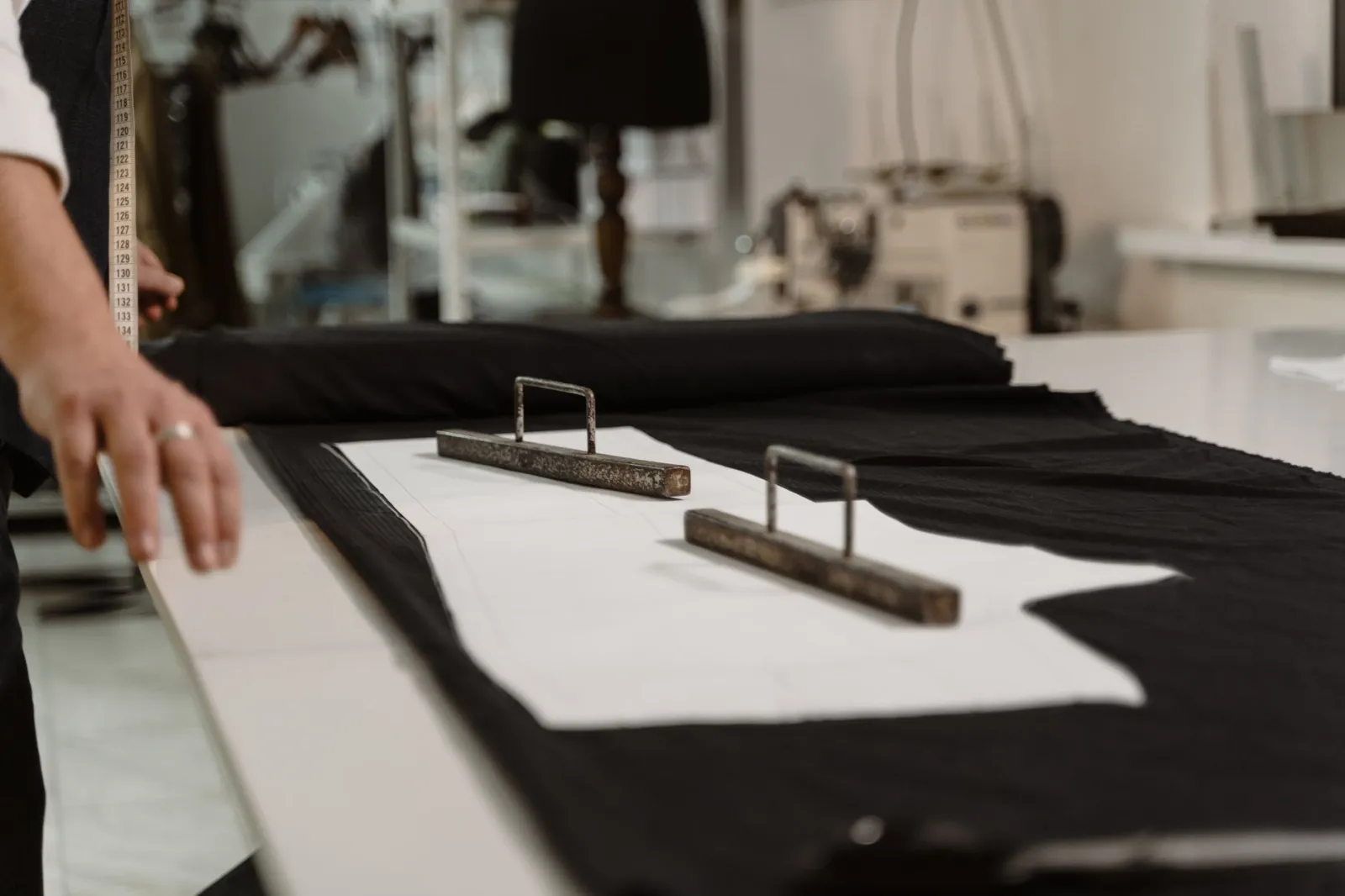
- Dynamic batch sizing in ERP reduces fabric waste by linking batch size to defect rates and order urgency.
- Inventory holding costs drop when batch sizes align with demand, not storage capacity.
- On-time delivery improves when batches are sized to avoid overproduction or stockouts.
- Hidden costs—like rework and expired dye lots—emerge only when batches are fixed, not flexible.
- Facteno’s batch sizing tools work with your existing processes, not against them.
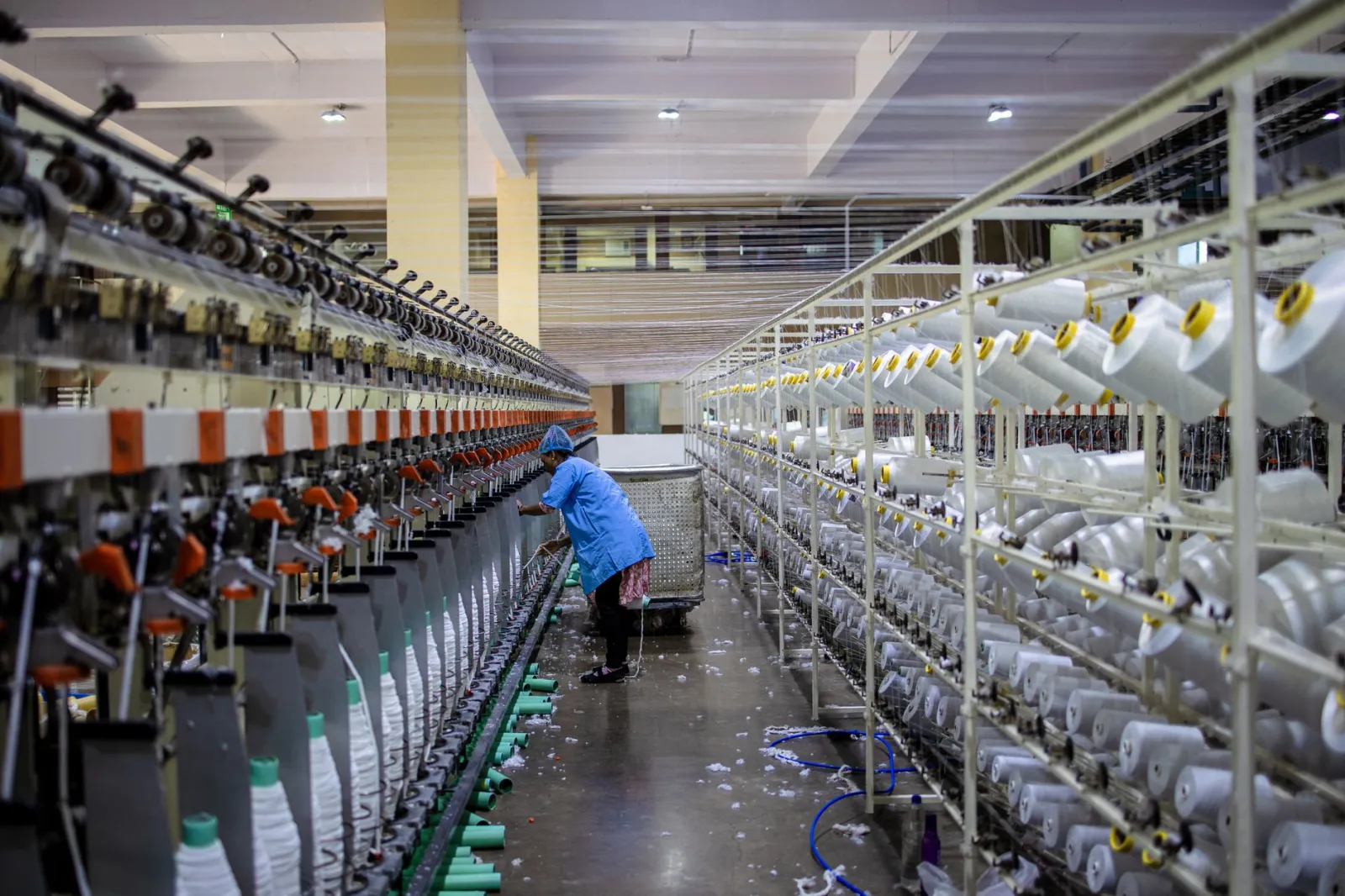
Fabric waste isn’t just scrapped yardage. It’s the cost of batches that sit too long, dye lots that expire before use, and orders that arrive late because production overestimated capacity. The problem isn’t poor machinery or unskilled workers—it’s batch sizing that treats every order as if it were the same. When batch sizes are fixed, waste becomes inevitable. When they’re dynamic, waste becomes visible—and reducible.
The solution isn’t smaller batches or tighter controls. It’s an ERP system that adjusts batch sizes in real time, based on what’s actually happening in the plant and on the books. This isn’t theory. Facteno’s textile module does this every day for plants that weave, dye, finish, and pack fabric by the kilo.
Here’s how it works in practice, and where the hidden costs lie if it doesn’t.
Why fixed batch sizes turn fabric into waste
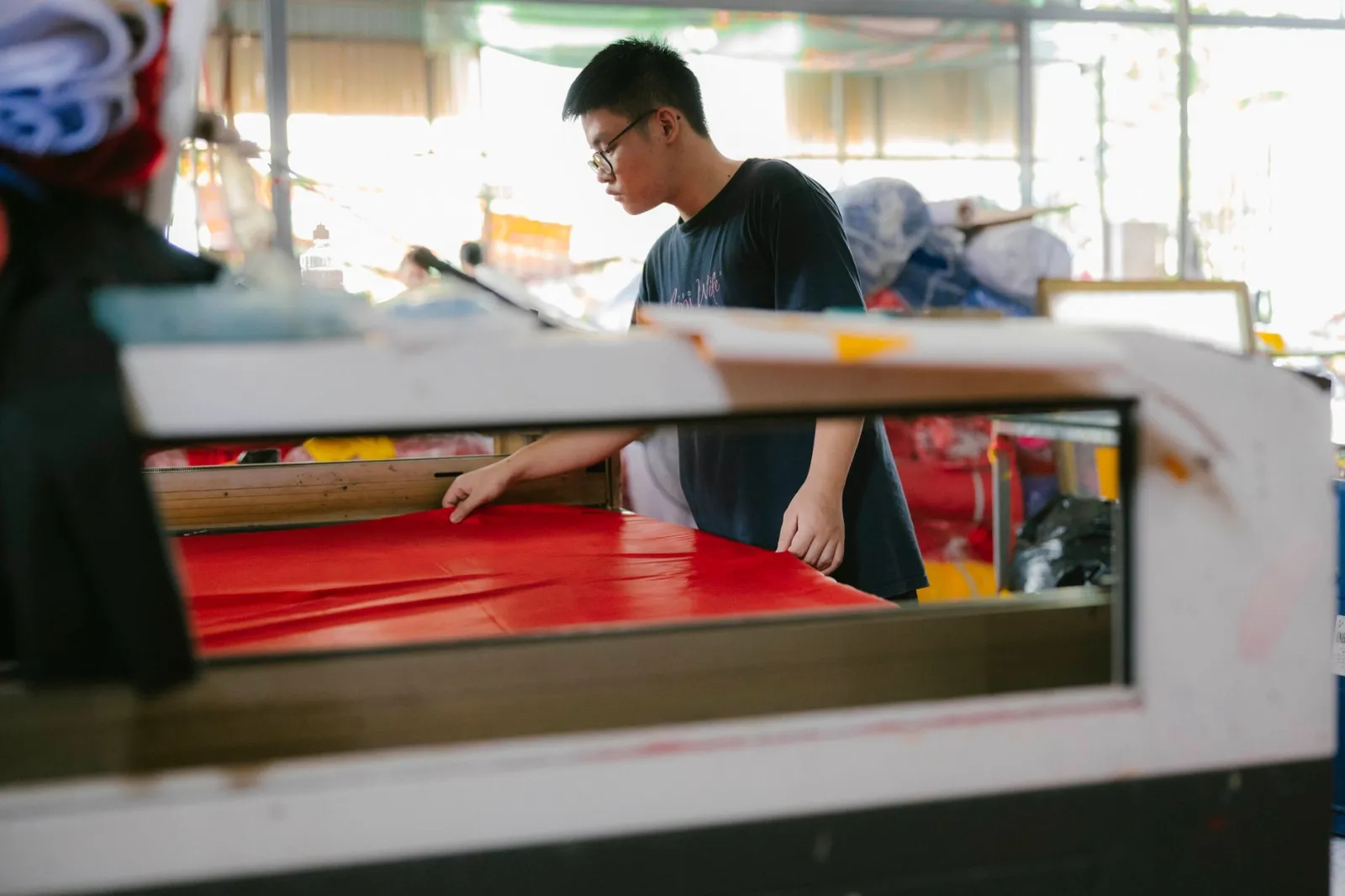
Fixed batch sizing assumes uniformity—same fabric weight, defect rate, and lead time—but orders vary by width, weave density, dye stability, and customer tolerance. A batch sized for tight-weave upholstery fabric wastes 8% as scrap; the same size for loose-weave curtain fabric could waste 15%. The issue lies in the batch card, not the fabric itself.
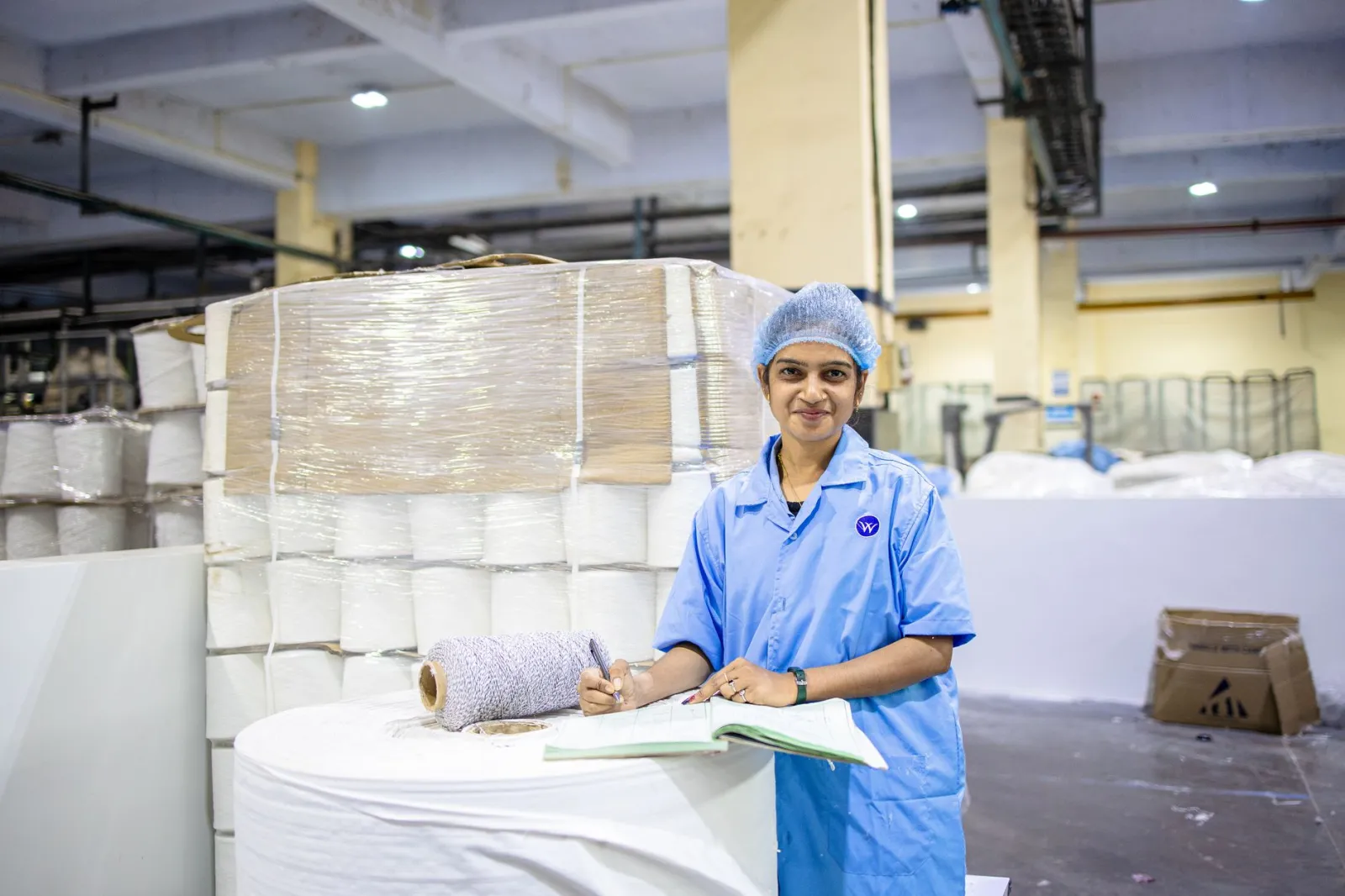
Fixed batches also force bulk production, even with uncertain demand. If the minimum batch is 5,000 metres but the order is only 3,000, you’ll weave 5,000 metres, storing excess fabric that risks colour shifts or strength loss. This is waste from overproduction, not cutting.
Facteno’s batch sizing tool addresses this by adjusting batch size based on three variables: order quantity, the fabric’s defect history, and dye lot shelf life. For example:
Illustration: A 2,000-metre order of standard-width fabric (3% scrap rate) triggers a 2,060-metre batch, while wide-width (5% scrap rate) requires 2,100 metres. The ERP adjusts batch size automatically using actual defect data, not fixed rules.
This reduces scrap and stops overproduction, cutting storage needs and expired dye lots. The trade-off? Tracking defect rates by fabric type, not just machine—integrated via the Quality Control module, which feeds defect data directly into batch sizing.
How dynamic batch sizing cuts inventory holding costs
Inventory costs include the interest on loans for yarn, warehouse rent, rack depreciation, and labour for stock management. Fixed batches inflate these costs by forcing excess fabric storage.
For example, a plant producing in 10,000-metre batches but selling in 3,000-metre lots faces risks when demand drops. A 20% decline leaves 6,000 metres unsold—enough to fill two racks. This fabric incurs:
- The opportunity cost of tied-up capital in yarn, dyes, and labour.
- Risk of colour shift or degradation if stored too long.
- Extra labour for re-inspection or re-grading past shelf life.
Dynamic batch sizing aligns production with confirmed orders, not fixed minimums. For instance:
Illustration: If average orders are 3,500 metres with a 14-day lead time, ERP can set batches to 3,600 metres (adding 100 metres for scrap/handling). This reduces average inventory by 60% vs. fixed 10,000-metre batches, without extending lead times.
This requires weekly inventory reconciliation. Fabric degrades after 30 days; dye stability drops after 60. Facteno’s Inventory module flags over-threshold batches, prompting use or adjustment.
Where overproduction hides in your fabric batches
Overproduction isn’t just about weaving extra metres—it’s about hidden costs: extra dye, finishing chemicals, labour, and energy. These expenses don’t appear on batch cards but show up in utility bills, chemical invoices, and overtime sheets.
For example, a 10,000-metre batch may still require:
- 120 litres of dye (12 litres per 1,000 metres), even if only 6,000 metres are ordered.
- 8 hours of machine time at ₹450 per hour, whether the fabric is used or scrapped.
- 5 kilos of finishing chemicals, regardless of how much fabric is sold.
Fixed costs per batch mean overproduction directly erodes gross margins. Dynamic batch sizing reduces these by producing only what’s needed for the next confirmed order, plus a calculated buffer for defects—based on actual defect rates from the Quality Control module.
To track these costs, you’ll need batch-level monitoring of dye and chemical usage—not just monthly allocations. Facteno’s Product Costing module breaks down costs per kilo, revealing the true impact of overproduction.
How to spot the second-order costs of fixed batches
Most articles stop at scrap and storage. The real costs appear three months in, when:
- Fabric that was supposed to be sold to Buyer A sits in inventory because Buyer B placed an urgent order, and you had to prioritise.
- Dye lots expire because you overproduced on a colour that didn’t sell, and now you’re buying new dye at a higher price.
- Finishing defects increase because the fabric sat too long, and now you’re paying for extra re-inspection or rework.
These aren’t one-off issues—they’re symptoms of a system that treats batches as fixed, not flexible. Dynamic batch sizing prevents them by:
- Prioritising batches based on customer lead times and payment terms, not just production sequence.
- Flagging dye lots that are nearing their shelf life, so you can adjust future batches to use them first.
- Linking finishing quality to batch age, so you can see which defects correlate with fabric that sat too long.
The trade-off? You’ll need to track more data—batch age, dye stability, customer urgency—but the payoff is visibility into costs you’re currently guessing at. Facteno’s Business Control Centre surfaces these insights in one screen, so you’re not digging through spreadsheets to find them.
When smaller batches increase waste (and how to avoid it)
Smaller batches aren’t always better. If you reduce batch sizes without adjusting setup times or defect allowances, you’ll end up with more frequent machine stops, more handling damage, and higher per-unit costs. For example:
Illustration: If your loom takes 30 minutes to change setups and your average batch is 5,000 metres, the setup cost is 30/5,000 = ₹0.06 per metre. Cut the batch to 1,000 metres, and the setup cost jumps to 30/1,000 = ₹0.30 per metre—five times higher. Now you’re paying more per metre just to produce smaller batches.
The solution isn’t to avoid small batches—it’s to size them based on both defect rates and setup costs. Facteno’s batch sizing tool does this by pulling data from two places:
- The Production module, which tracks how long each machine takes to switch between fabrics.
- The Quality Control module, which shows how defect rates change with batch size.
The result? Batches that are small enough to avoid overproduction, but large enough to keep setup costs in check. The sweet spot isn’t a number—it’s a range, and it changes when your defect rates or setup times do.
How to reconcile batch sizing with customer lead times
Customers don’t care about your batch sizes—they care about delivery dates. If dynamic batch sizing delays an order because you’re waiting for a smaller, more efficient batch to complete, you’ve lost the sale. The fix isn’t to ignore batch efficiency; it’s to balance it with customer urgency.
Here’s how Facteno handles it:
- The ERP flags orders with tight lead times (e.g., “deliver in 7 days or lose the deposit”).
- It suggests a batch size that meets the delivery date while still controlling waste (e.g., “weave 4,200 metres now, then 3,800 metres in the next shift”).
- It reserves capacity for urgent orders before assigning batches to routine production.
The trade-off is that you’ll need to update customer lead times in the system as orders progress. If a customer extends their deadline, the ERP can adjust the batch size downward to save on dye and energy. If they demand an earlier delivery, it can split the batch into two smaller runs. The key is treating lead time as a variable, not a fixed constraint.
This requires integration between the Sales module and the batch sizing tool. Without it, you’re left guessing whether to prioritise efficiency or speed.
What to do next week: Three practical steps
You don’t need to overhaul your entire system to start seeing results. Here’s what to do in the next seven days:
- Pull your last 12 months of fabric defect data from your QC logs or spreadsheets. Group it by fabric type and width—this is the raw material for dynamic batch sizing. If you don’t have this, start recording it now. Facteno’s Quality Control module can import existing data if it’s in a spreadsheet.
- Identify your top three fabric types by volume. These are the ones where batch sizing will have the biggest impact. For each, note the average order size, scrap rate, and lead time. This will be your starting point for testing dynamic batches.
- Run a trial with one fabric type. Use a tool like Facteno’s batch sizing calculator (available in the live demo) to model how adjusting batch sizes by ±10% affects scrap, inventory, and setup costs. Compare the results to your current process. The goal isn’t perfection—it’s seeing the numbers move.
Don’t wait for “perfect” data. Start with what you have, and let the ERP refine the numbers as you go. The longer you delay, the more waste you’re paying for.
Related reading: How to Cut Fabric Scrap by Spotting Defect Patterns in Your ERP.
Frequently asked
How do we know what the optimal batch size is?
Will dynamic batch sizing slow down production?
What if our customers want fixed batch sizes?
How do we handle fabric that’s already in inventory?
Do we need to retrain staff to use dynamic batch sizing?
Everything above is how Facteno actually behaves
Ask for demo access and we will walk you through a full plant with four months of documents, so you can check the numbers yourself.